“Under 500MB” sounds like a marketing filter, but it points at something real: installer size correlates with how much runtime, bundled tooling and background service an emulator drags onto a weak PC. Finding a lightweight android emulator under 500mb that still runs current games is a three-way trade between footprint, Android version, and maintenance — you can have any two. This roundup is organized by what you give up with each option, because on a 2013-era laptop the wrong “lightweight” choice costs you an afternoon, not just disk space.
Lightweight Android Emulator Under 500MB: What “Lightweight” Should Mean
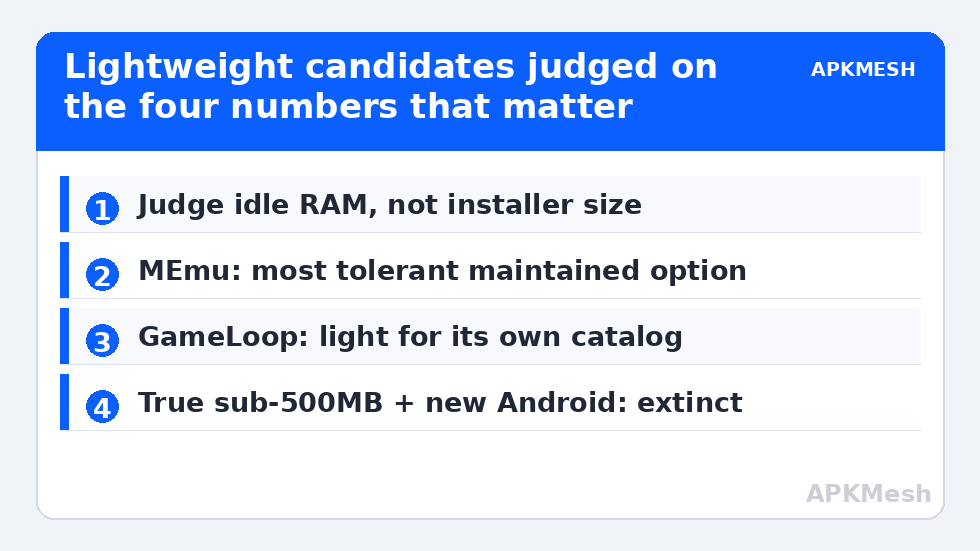
Judge candidates on four numbers, not the download button: installer size, installed size after first instance, idle RAM draw at the Android desktop, and the Android version of the default image. An emulator with a 400MB installer that expands to 6GB and idles at 1.5GB RAM is not lightweight where it counts. The table below uses typical figures for current or final builds on Windows; treat them as orientation, since versions drift.
| Emulator | Installer (typical) | Default Android | Honest profile |
|---|---|---|---|
| LDPlayer 9 (for reference) | ~600MB+ web/full packages vary | Android 9 (LDPlayer 9: 9/12 variants by build) | Mainstream, not in this weight class — included as the baseline readers compare against |
| MEmu Play (lite configs) | ~450–550MB depending on bundle | Android 9/11 options | Borderline size, unusually tolerant of 2-core CPUs |
| GameLoop | Small web installer (~10MB) + in-client downloads | Android 9-based custom | Tencent’s client; excellent for its own titles, narrower general use; total footprint grows past the headline number |
| Android-x86 / Bliss OS (as VM or dual boot) | ISO ~700MB–1GB | Android 9–11 by branch | Not an emulator download so much as an OS project; lightest runtime of all, most setup effort |
| Genymotion Desktop (personal use) | ~100–200MB installer + per-image downloads | Multiple, up to recent | Developer-focused; images add up, gaming features (GPU/keymapping) not the point |
| Waydroid-style / WSA leftovers | Varies | 11/13 | Experimental paths; WSA was discontinued by Microsoft — do not start here in 2026 |
The pattern to notice: anything genuinely small in 2026 is either a special-purpose client (GameLoop), a developer tool (Genymotion), or an OS project (Android-x86 family). The general-purpose gaming emulators have all drifted above the line — which is why MEmu optimization for older Intel CPUs and the 4GB-tuned LDPlayer settings remain practical alternatives to hunting ever-smaller installers.
Lag risk: —
Picking by Constraint: Which Limit Is Actually Yours?
Disk is the limit (small SSD): the winner is whichever you will actually uninstall cleanly; instance data dwarfs installer size within a week. Choose one emulator, one instance, and compact/recreate it periodically. RAM is the limit (4GB): prioritize idle draw and Android 7/9 images; a slightly bigger installer with a lean runtime (MEmu’s low spec configs) beats a small installer feeding a fat runtime. CPU is the limit (2 cores): nothing under any size fixes translation overhead; prefer emulators with strong x86-native support and keep expectations at light games. Compatibility is the limit: abandon the size criterion — a current Pie 64/Android 11 mainstream instance is the only door into new releases (the cliff is mapped in Android 11 vs Android 9 performance).
Safety Notes Specific to Small Emulators
The lightweight niche attracts abandonware and outright imitators. Rules: download only from the project’s official domain; treat any “lite mod” or repacked installer of a known emulator as hostile by default; check when the build was last updated — an emulator unmaintained since 2022 carries an unmaintained browser engine and Android security patch level to match. Small size is also a favorite costume for the adware bundles that plagued this category historically; a custom install option that pre-checks third-party offers is a walk-away signal. The verification habits from installing APKs safely apply to the emulator installer itself.
The Honest Bottom Line
If your PC can run a mainstream emulator acceptably with tuned settings, do that — support and compatibility beat footprint every week of the year. The under-500MB class earns its place on genuinely constrained machines: 4GB RAM school laptops, ancient desktops revived for one or two light games, thin-disk netbooks. In that niche, MEmu’s low-spec tolerance and GameLoop’s focus on its own catalog are the pragmatic picks, with Android-x86 as the enthusiast’s endgame. Browse Emulator Settings for the tuning that makes any of them livable.
What the Big Emulators Look Like After a Diet
Before abandoning a mainstream emulator for a smaller download, try shrinking the mainstream one — the gap is often smaller than folklore says. A single BlueStacks or LDPlayer instance with the games you actually play, sample instances deleted, disk-cache trims run, and Eco discipline on idle instances commonly lands within a gigabyte or two of the “lightweight” alternatives’ real footprints, while keeping current Android images and maintained engines. The genuinely un-shrinkable part is the runtime’s idle draw, and even that narrows with the low-spec profiles in our per-emulator guides. Do this experiment first: note your current install’s size and idle RAM, apply the diet, and re-measure. If the numbers close to acceptable, you have saved yourself a migration and kept the compatibility that made the big emulator the default.
Old Hardware Pairings That Still Work
For readers reviving specific antiques: a 2012-era desktop with a Core i3 and 6GB RAM pairs sanely with an Android 7-image lightweight build for 2D and early-3D titles; a 4GB netbook belongs to GameLoop-class focused clients or 2D games only; a first-generation ultrabook with HD 4000 graphics should be aimed at puzzle, strategy and visual-novel categories where its iGPU is not the bottleneck. Matching ambitions to silicon is the unglamorous core skill of this entire category — the settings and roundups elsewhere in it exist to help you do exactly that.
Reading an Emulator’s System Requirements Like an Engineer
Vendor minimum-spec boxes are marketing documents: “2GB RAM, dual-core” describes an emulator that starts, not one that plays. Translate them with three adjustments. Add the game’s own appetite to the emulator’s idle draw (the requirements rarely do). Treat “VT required” as absolute even when listed as recommended — the performance cliff without it is the largest single variable in this entire field. And read the Android version line as the real requirement: it determines your game library more certainly than any hardware figure. A lightweight emulator whose minimums you exceed on a platform it no longer maintains is a smaller download into a dead end; the maintained mid-weight option you merely meet is the better machine.
Frequently Asked Questions
What is the lightest Android emulator that still works in 2026?
For general use on weak PCs, MEmu Play in a low-spec configuration is the most tolerant maintained option, and GameLoop is light for Tencent’s own titles. True sub-500MB general emulators with current Android versions effectively no longer exist — small size now means special-purpose or older Android.
Does a smaller installer mean the emulator uses less RAM?
Not necessarily. Installer size measures download packaging; runtime weight is set by the Android image and background services. Check idle RAM at the Android desktop and installed size after a week — those are the numbers that decide life on a 4GB machine.
Can a lightweight emulator run current games like the latest shooters?
Most current competitive titles require Android 10/11 and 64-bit support, which much of the lightweight class lacks. Light and older games run fine; for new releases you need a mainstream Pie 64/Android 11 instance even if it is heavier.
Is GameLoop a good general-purpose emulator?
It is excellent inside its lane — Tencent-published games get official optimization and keymapping — but it is a games client rather than a general Android environment, and its total footprint grows well beyond its tiny web installer once content downloads.
Are old, unmaintained lightweight emulators safe to use?
Risky. An emulator is a full Android system with a browser and network stack; unmaintained builds freeze its security patch level in the past. Prefer maintained projects, download only from official domains, and avoid repacked “lite” installers entirely.